For your favorite walking companion
A familiar face, ready for the hoop.
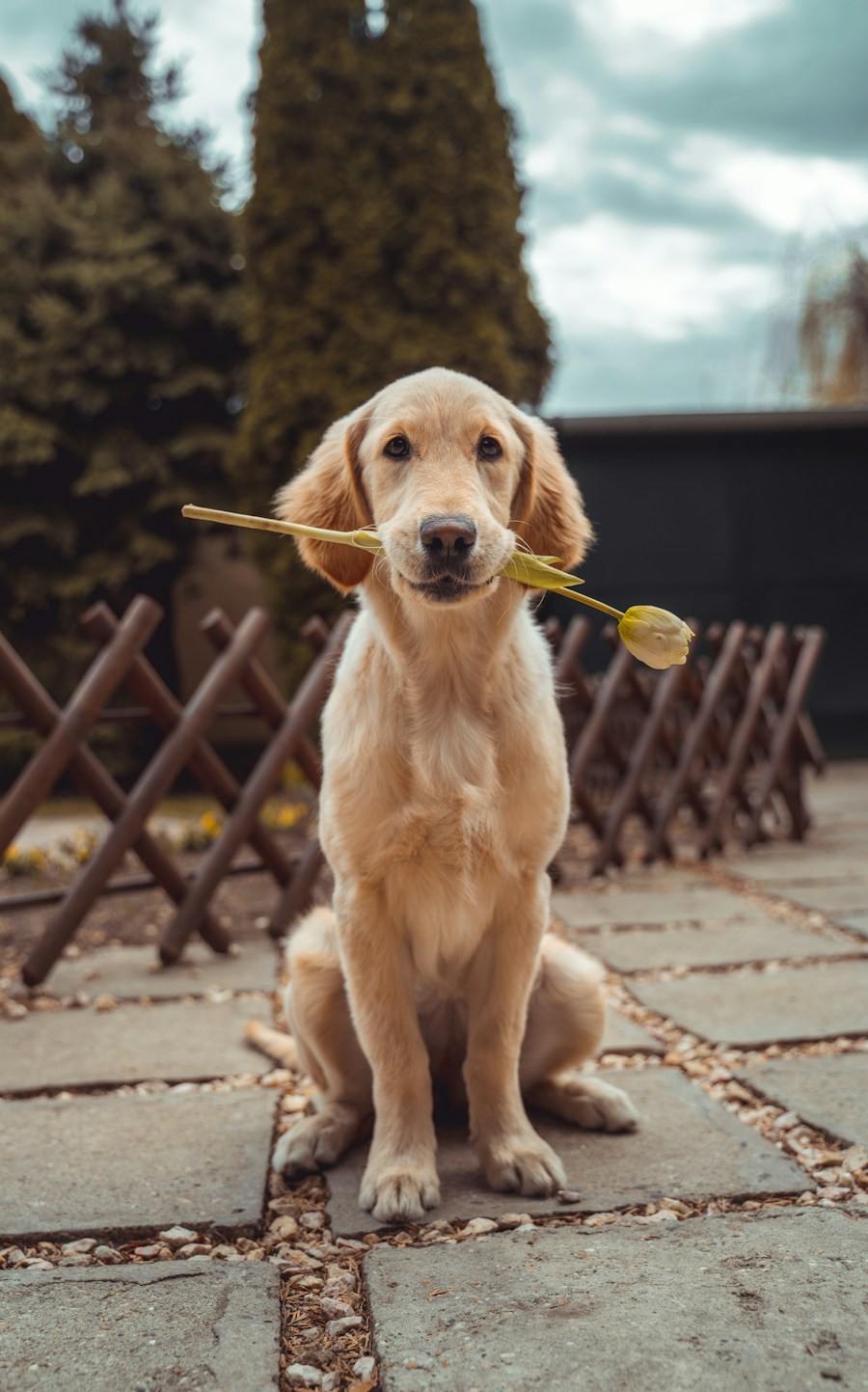
The shape of a muzzle and the patches around a dog’s eyes carry a lot of personality. A carefully lit photo gives those features a better chance at stitch size.
Upload your pet photo Try a sample
Start with soft light
Photograph at eye level with a simple background. For dark coats, expose for the face so eyes do not vanish into shadows. For pale coats, avoid direct sun that clips the fur to white. Include the ears in your crop.
Try a practical starting point
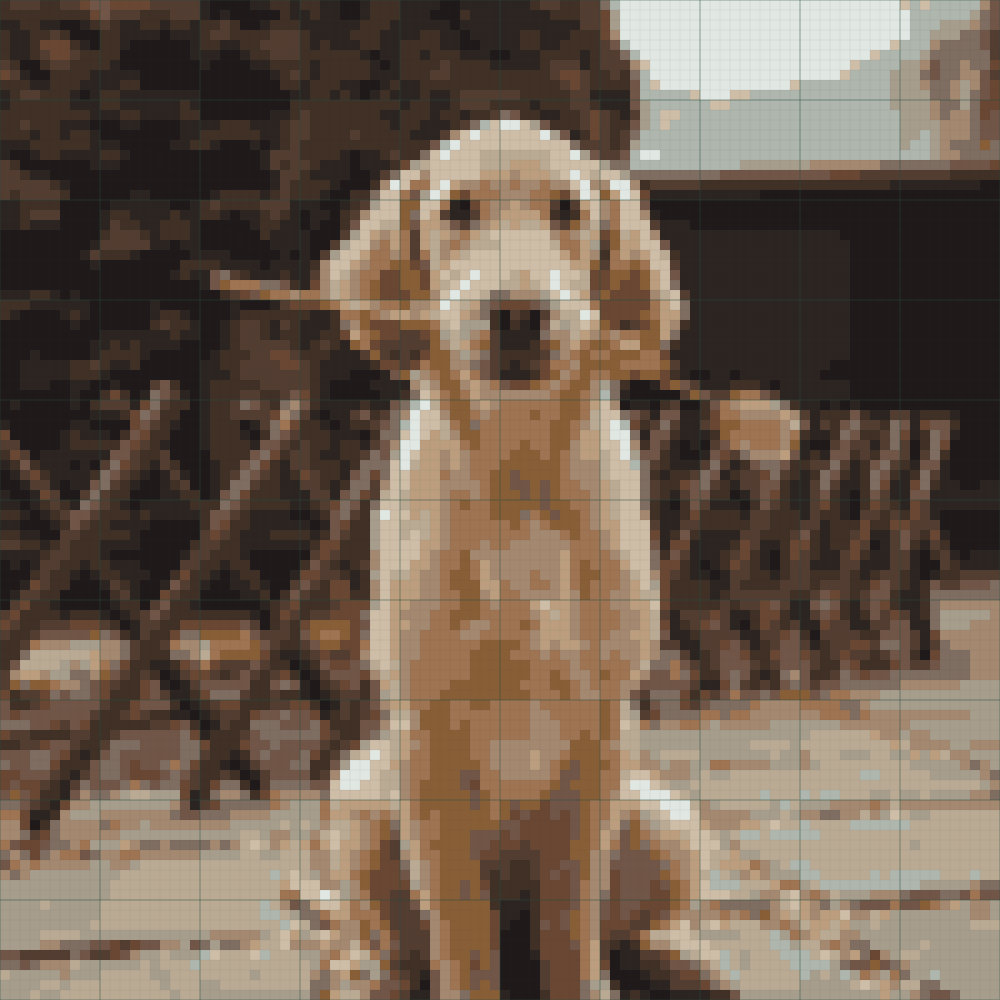
Start at 100 or 120 stitches wide with 16 colors and dithering Off. Inspect the eyes in Symbols view. Compare 24 colors if coat shading becomes too flat, and compare cleanup with Off before accepting changes.
Leave room for hand edits
Small nose highlights and unusual coat patches can require a few manual cells. Select the closest palette swatch and edit one cell at a time. Use the actual counts and fabric calculator to estimate the finished design dimensions.