A keepsake, one little cross at a time
Make a cross stitch pattern from your pet photo.
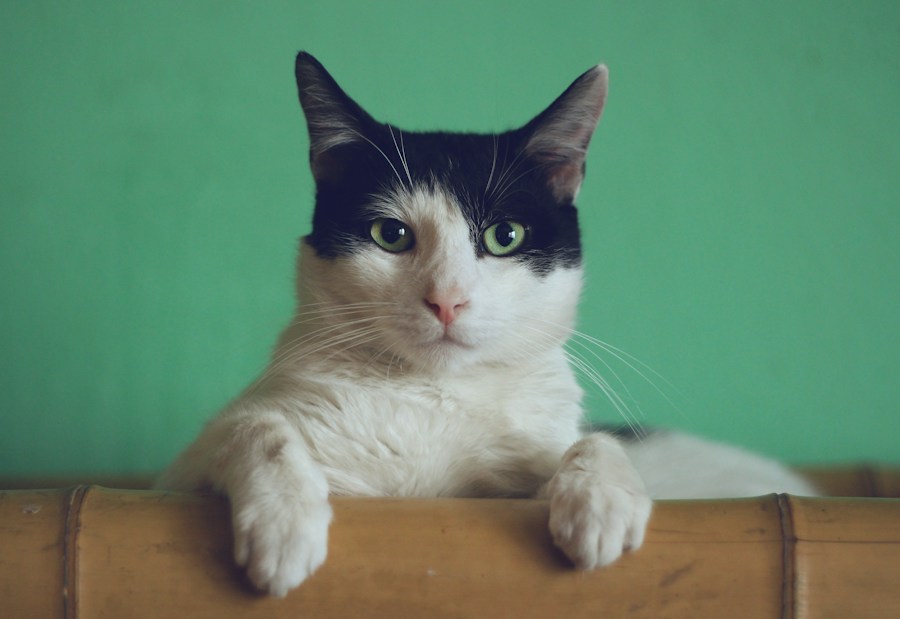
Keep the tilt of an ear, the patch on a nose, the face you know by heart. Turn a favorite photo into a chart you can inspect, edit and stitch at your own pace.
Upload your pet photo Try a sample
From a photo to a practical chart
- Choose a clear cat or dog photo, then crop and adjust it.
- Select stitch width, a color limit and your fabric count.
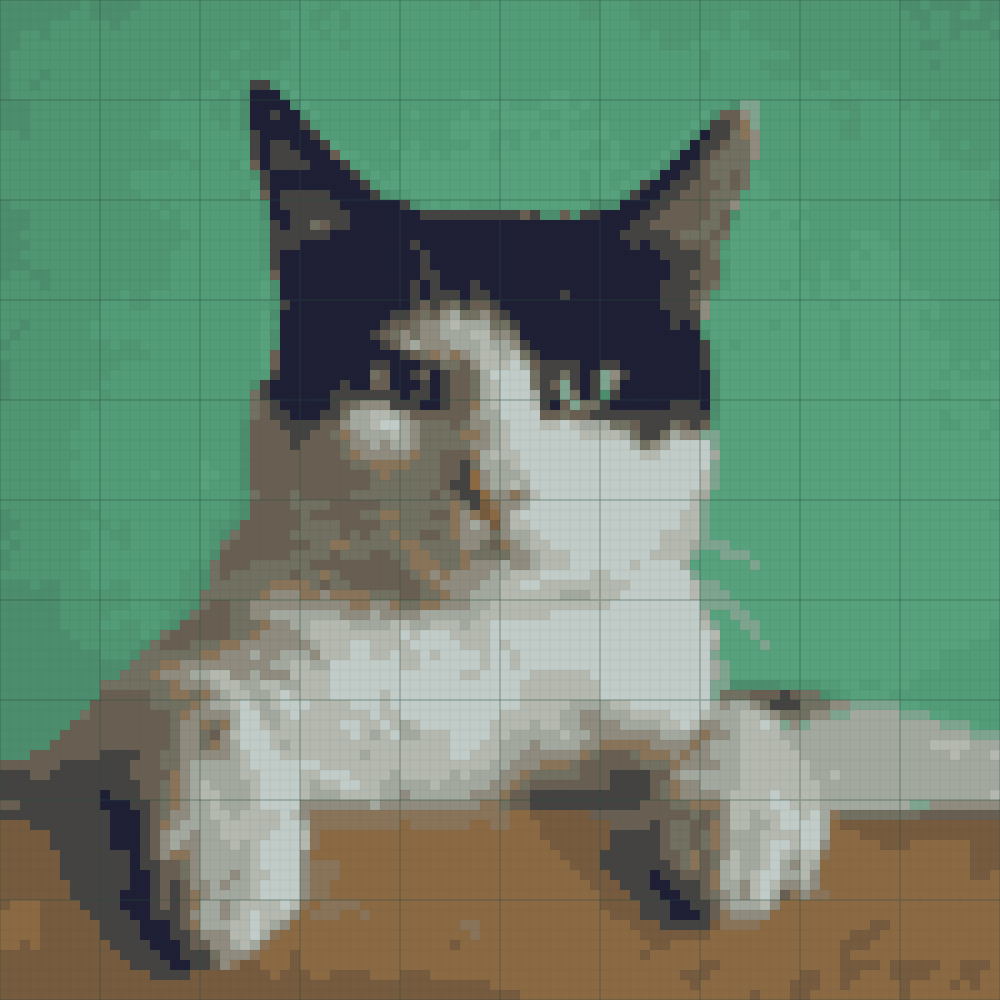
- Inspect the real color and symbol grids. Compare cleanup before keeping it.
- Fix individual cells, then export your digital pattern.
Made on your device
The conversion runs in a browser Web Worker. No account or paid AI service is needed. Every filled grid cell uses one palette color; transparent or erased cells use no stitches.
A first version with honest limits
RGB swatches need manual matching to real floss. Fine whiskers may disappear at stitch resolution. The stitched preview is a simulation. We provide digital files, not materials or a finished piece.